Softaculous helps you install web applications very easy. Please, follow the steps below to install XMB Forum.
1. Log in to your cPanel account.
2. In the Software and Services section, click on Softaculous Icon.
3. cPanel will redirect you to the Softaculous interface.
4. On the left side, type XMB in the search box, then click the XMB link that appears.
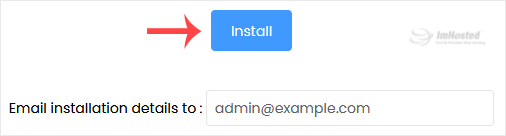
5. Click on Install.
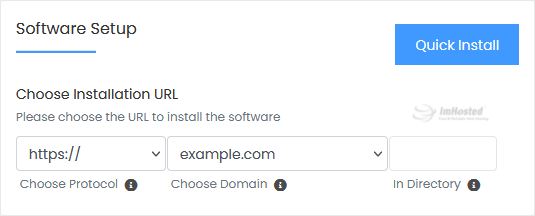
6. Fill in the necessary fields under the Software Setup section:
7. Enter the following details under the Site Settings section:
8. Under the Admin Account section, enter the following information:
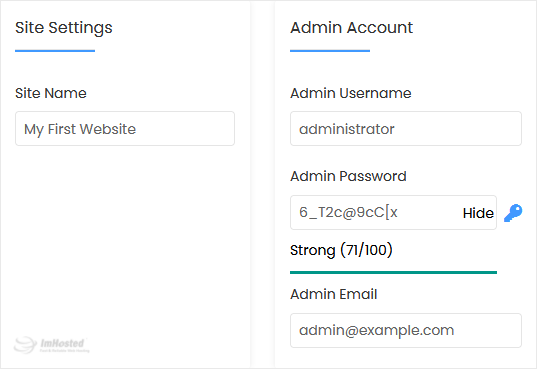
Note: Copy the admin username and password to Notepad. You will need those to access the admin area of your XMB forum later.
9. Advanced Options: Leave this unless you want to change the database name or take an automated backup. Please, note that creating frequent backups may take a lot of disk space.
Finally, scroll down to the end of the page and click on Install.