Do you want to check your Virtualizor VPS status and determine whether the VPS is offline or online? You can examine the client area or the Virtualizor Control Panel.
1. Log in to your Virtualizor Control Panel.
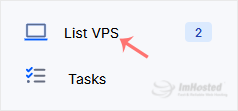
2. From the left side panel, click on List VPS.
3. Under Status, if it shows Online, it means your VPS is running and working properly.
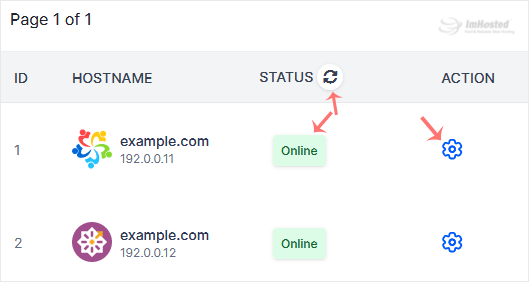
You can click the Refresh icon next to the Status option to update your VPS status.